GeoBox
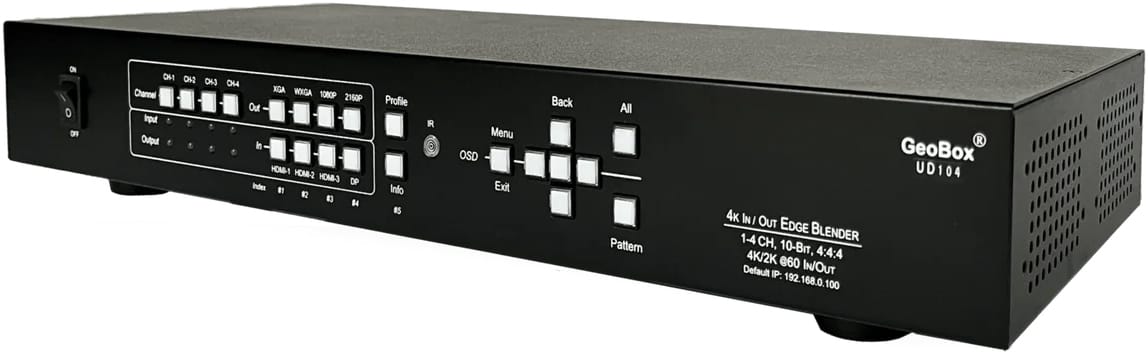
Hardware-based video processing for professional display systems
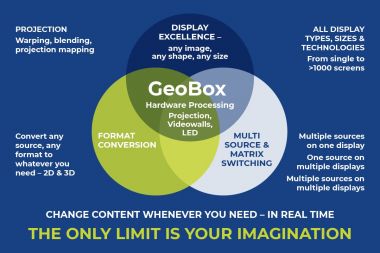
It supports warping and blending, large-format and immersive displays, BYOD switching, LED video walls and 2D and 3D workflows.
If you need a display system that works first time and continues to behave correctly day after day, GeoBox provides the technical foundation that makes it possible.
Download the GeoBox Sales Guide

Common display situations Geobox solves
Warping and blending that stays aligned
Set once, stays aligned. No drift. No gradual degradation. No repeated site visits.
BYOD and mixed-source switching
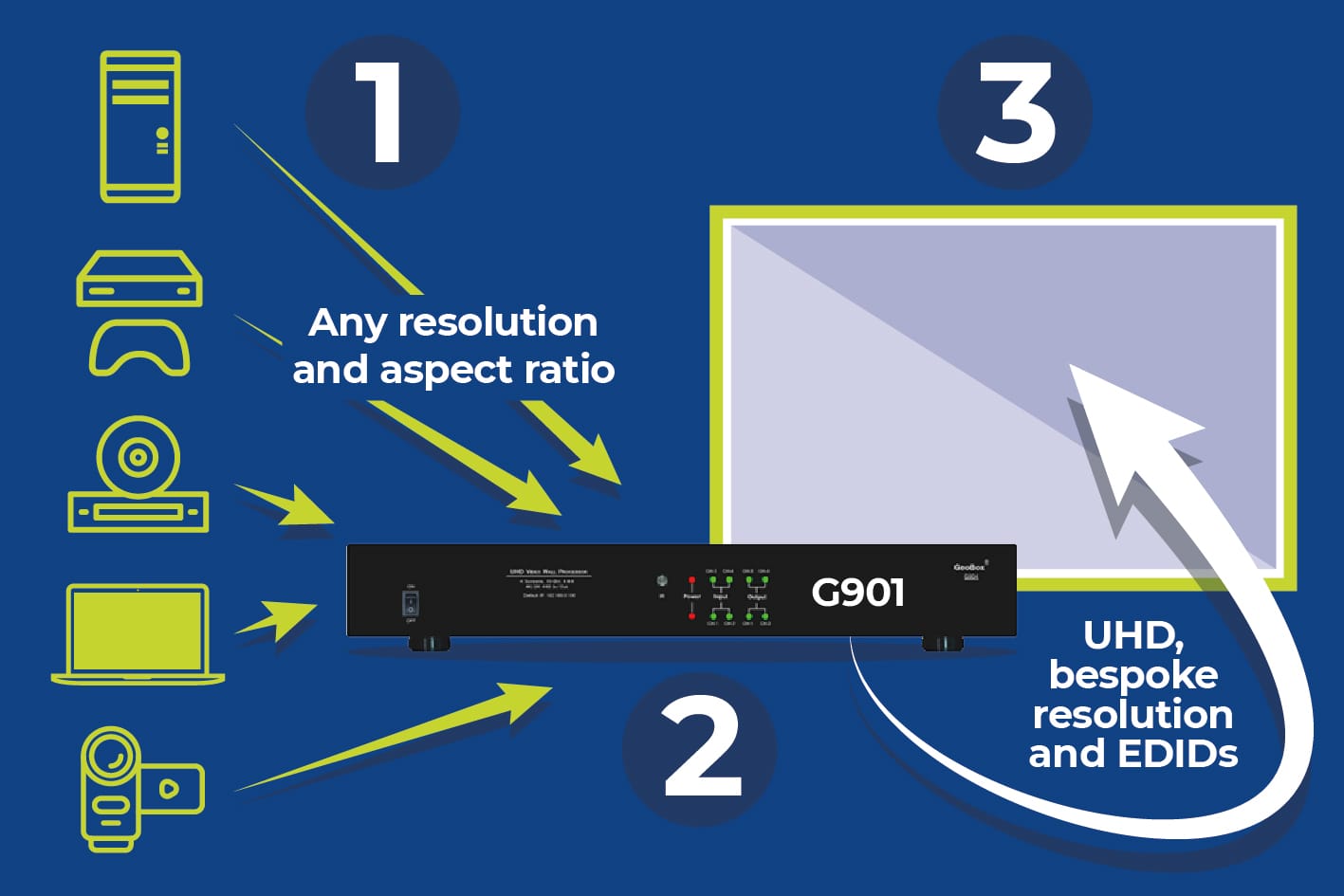
Connect any source at any resolution, including laptops, Macs, media players and specialist devices. Display output is constantly connected to the display (with fully programmable EDID options) meaning instantaneous switching between sources. No drivers. No software. No IT support calls.
Multi-projector and immersive displays
Stable synchronisation across large canvases, curved surfaces and immersive environments, even over indefinite runtimes.
Permanent and 24/7 installations
Hardware-only operation with no PC, no operating system and no update cycles to manage.
Stereo 3D and specialist formats
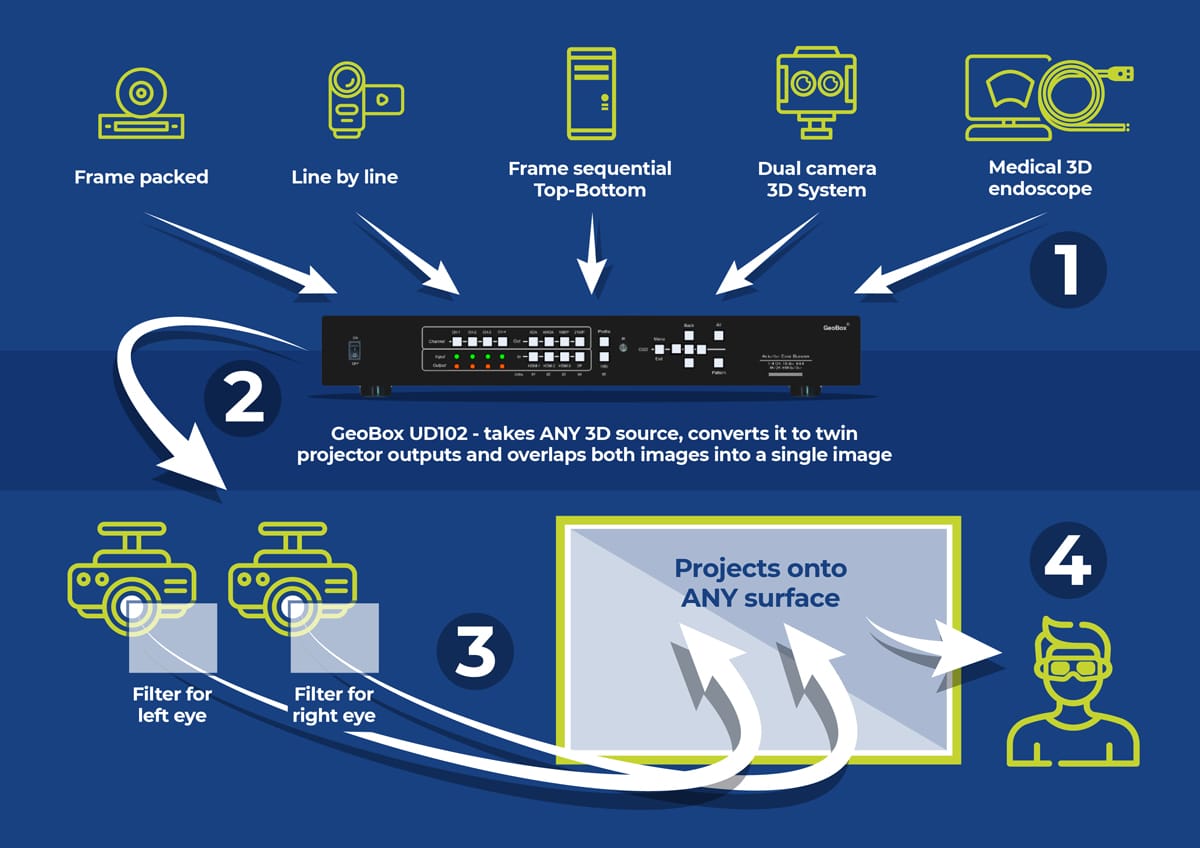
Native handling of multiple 3D formats without latency, without complex software stacks or format conversion issues.
LED video walls and non-standard resolutions
System-level control for non-standard resolutions, wide canvases and hybrid LED and projection environments.

Why display systems drift over time
The missing Technical Layer
Critical display functions such as timing, geometry and synchronisation are often handled by software, GPUs and operating systems.
GeoBox introduces a dedicated Technical Layer that enforces these functions in hardware, ensuring stable behaviour over time and removing gaps and weaknesses between content, computing and display devices.
Most complex display systems look perfect when commissioned. Days, weeks or months later, problems appear. Alignment drifts. Timing slips. Switching becomes unreliable. Latency changes. Responsibility becomes unclear.
This happens because critical functions such as timing, geometry and synchronisation are being handled by layers never designed to enforce long-term stability. Software, GPUs and operating systems prioritise flexibility, not repeatable behaviour.

The Technical Layer and the 3am question
When an immersive display drifts or fails at 3am, who owns the problem?
Content and playback:
‘Our software is running fine’.
GPU and operating system:
All drivers are up to date.
Display devices:
All projectors are functioning correctly.

What makes GeoBox fundamentally different
Because GeoBox operates entirely in hardware, it delivers consistent behaviour and rock-solid stability that software and PC-based systems cannot guarantee.
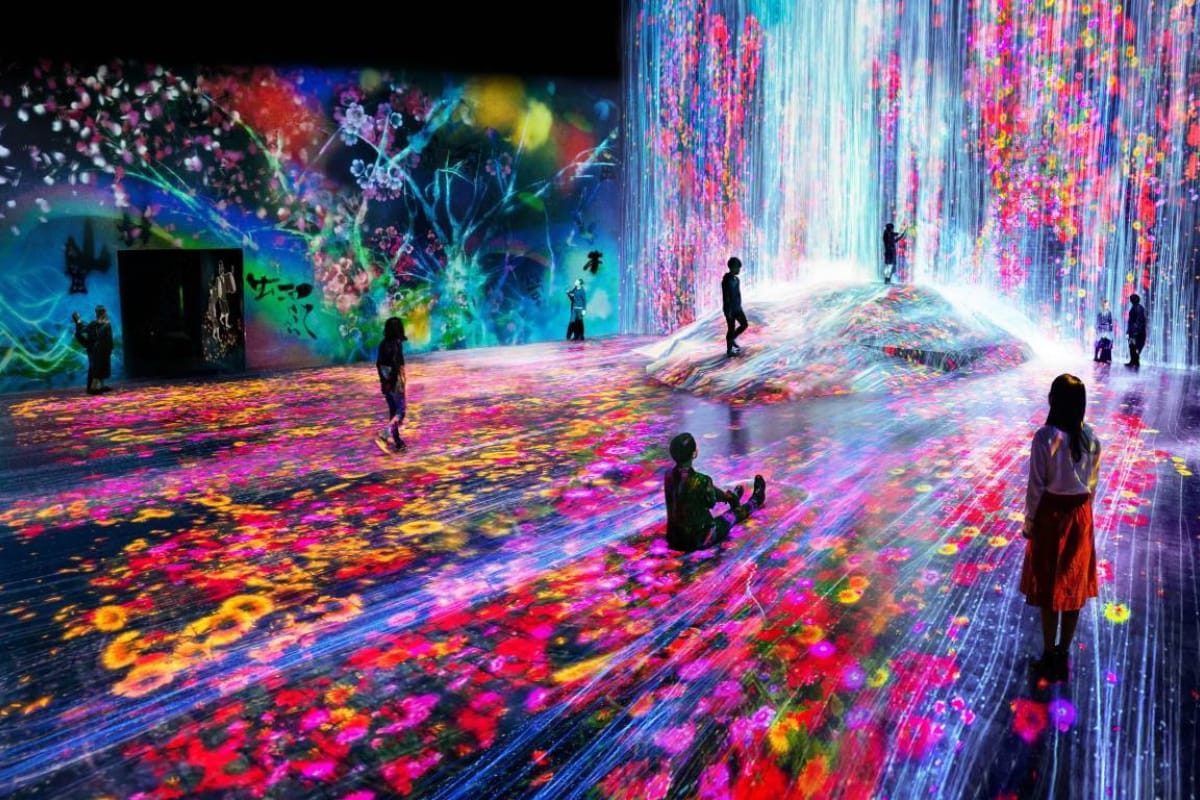
- Geometry and blending remain stable over time
- Almost zero, imperceptible latency as standard
- No dependency on operating systems or drivers
- No update cycles or software maintenance
- No gradual degradation or recalibration cycles
Whatever the input signal, GeoBox outputs the exact resolution, timing and format required by each projector or display. Overlap and blend regions are generated internally in hardware, removing the need for GPU-based rendering and manipulation.

Why Geobox solves the latency issue
In many immersive systems, latency is introduced by design.
The need to generate bespoke resolutions and blend regions in software forces reliance on GPUs. Even powerful GPUs introduce variable delay because they operate inside operating systems designed for flexibility rather than determinism.
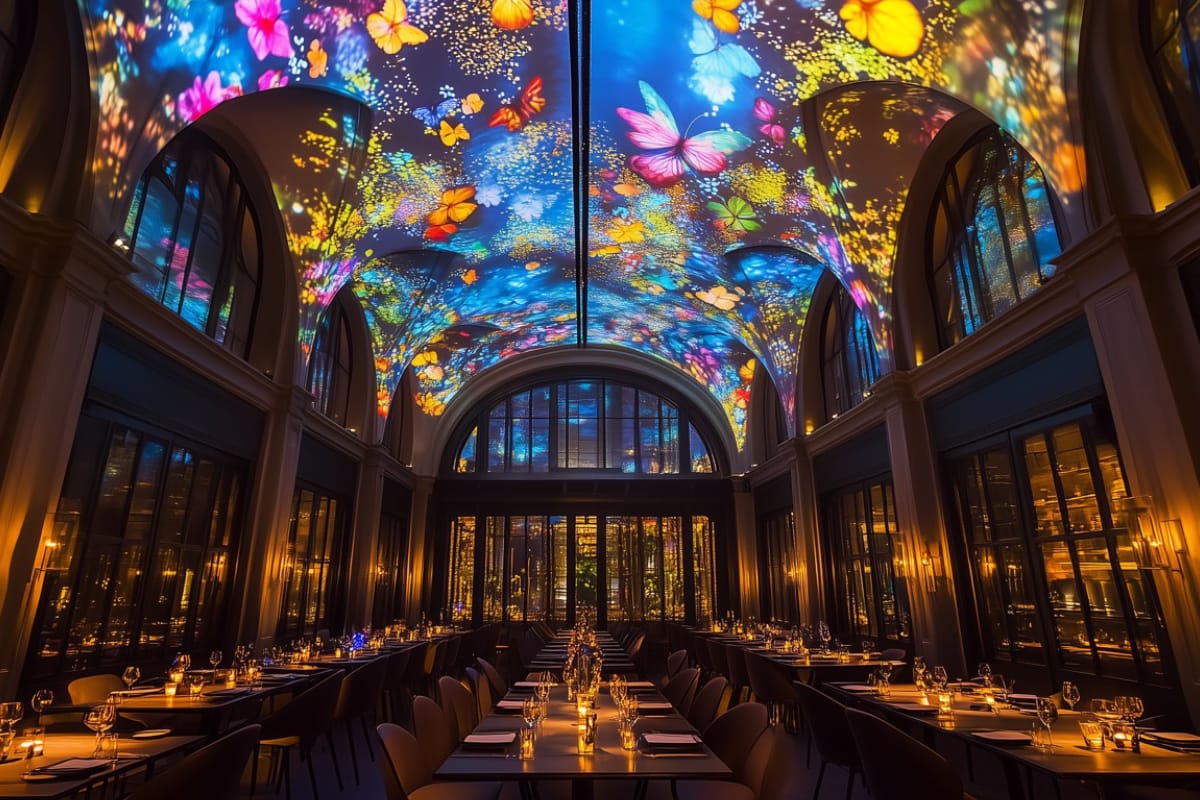
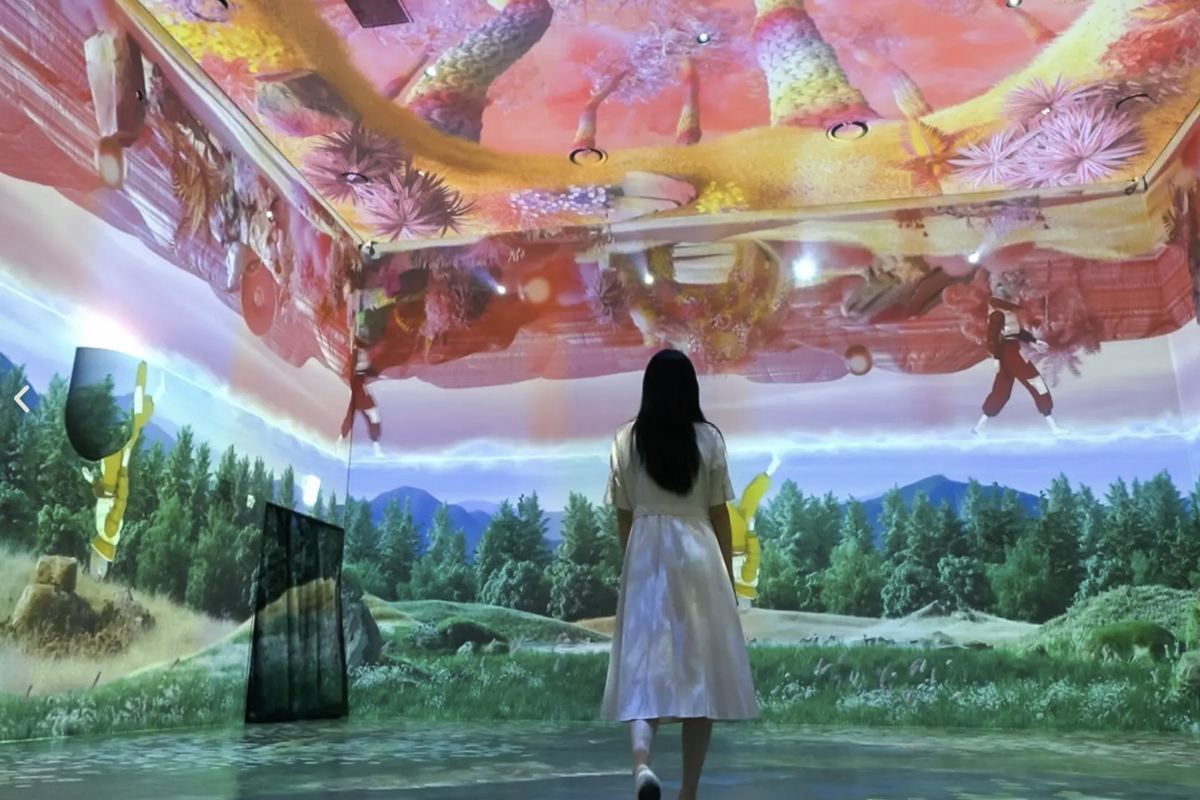
GeoBox removes this dependency entirely.
By handling geometry, timing and blending in hardware, GeoBox delivers:
- Almost zero imperceptible latency
- No processing load-created delay
- No runtime drift
This makes GeoBox more suitable for shared spaces, immersive environments, education, enterprise, medical training and surgery, simulation and gaming - essentially, any installation where reliability and response time are needed or even critical.

The GeoBox sweet spot
GeoBox solves the same architectural problem as high-end video processors without the cost barrier and complexity.
Software solutions are affordable but tend to degrade over time. High-end processors are reliable but often out of reach for many projects.

What this looks like in practice
GeoBox is used across a wide range of display configurations, from simple to highly complex including:
- Two-projector warp and blend systems
- Curved and cylindrical immersive displays
- Multi-wall immersive and simulation environments
- BYOD meeting, MTRs and collaboration spaces
- LED video wall front-end processing
- Passive and active stereoscopic 3D systems
Because GeoBox is modular, systems can be scaled and adapted without redesigning the overall architecture.

Core features and capabilities
GeoBox combines professional video processing capability with straightforward deployment, making it suitable for both simple and complex display systems.
A dedicated Technical Layer
GeoBox operates as a dedicated Technical Layer between sources and displays, enforcing timing, geometry and synchronisation independently of software, GPUs and operating systems. Rock-solid 365/24/7 reliability.
Any source to any display
Accepts any input source and delivers the correct output resolution, aspect ratio and format to the display (including programmable EDIDs). Handles mixed sources, non-standard resolutions and unusual display formats with ease.
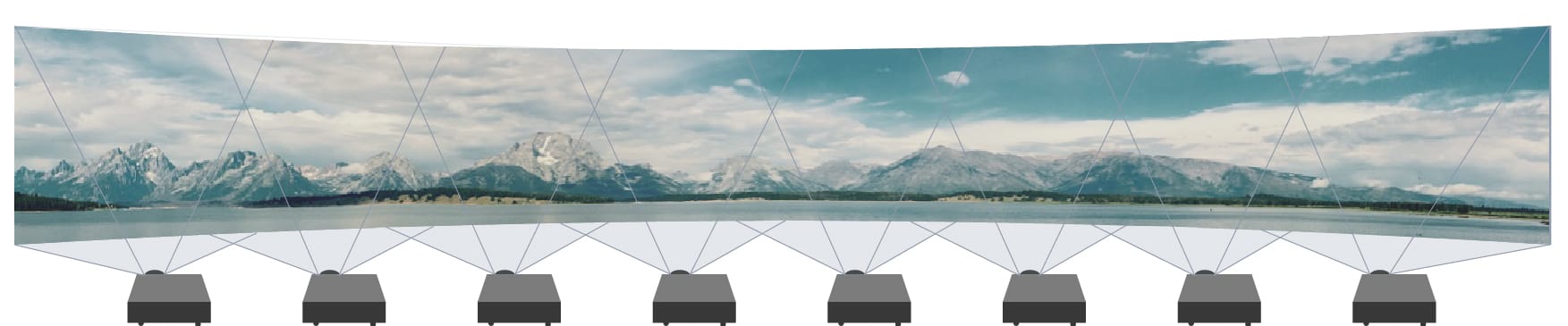
Projection warping and blending
Hardware-based geometry correction and edge blending for flat, curved and immersive displays. Alignment remains stable over time with no software drift.
Multi-projector and large-format displays
Drive multi-projector systems, wide canvases and immersive environments from a single source or multiple sources, with accurate synchronisation across outputs.
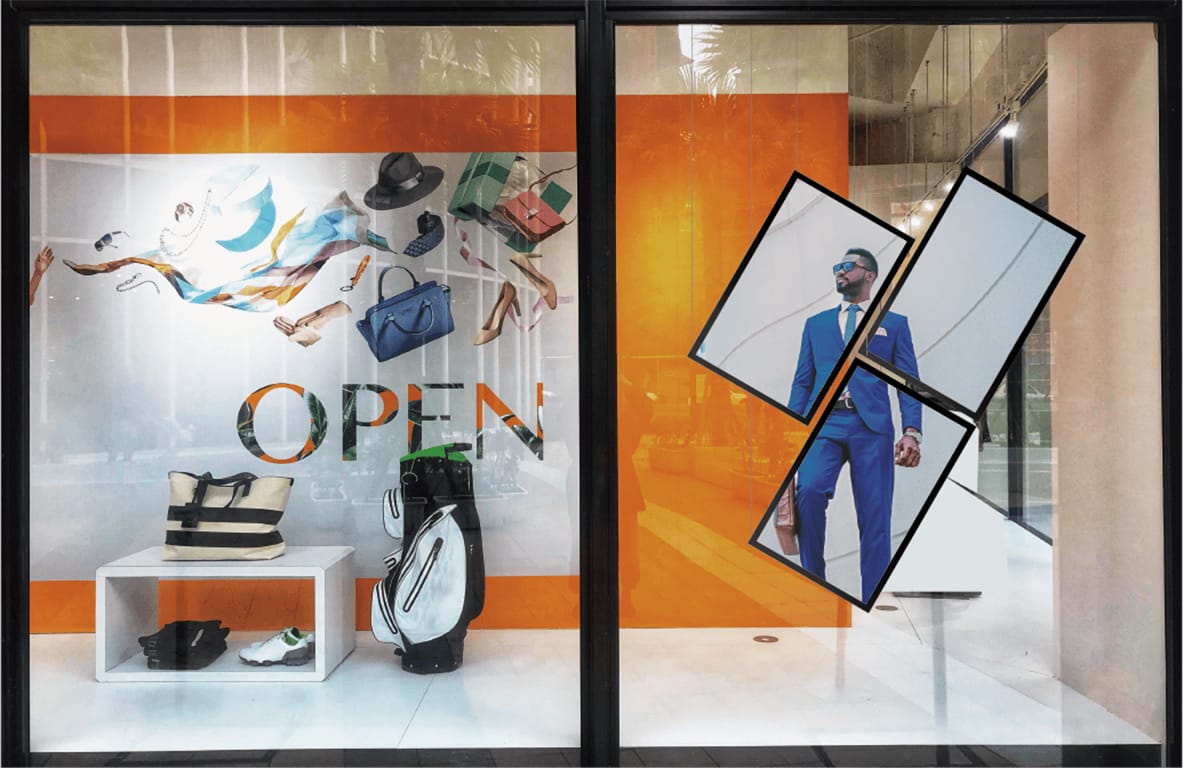
Video walls and multi-window layouts
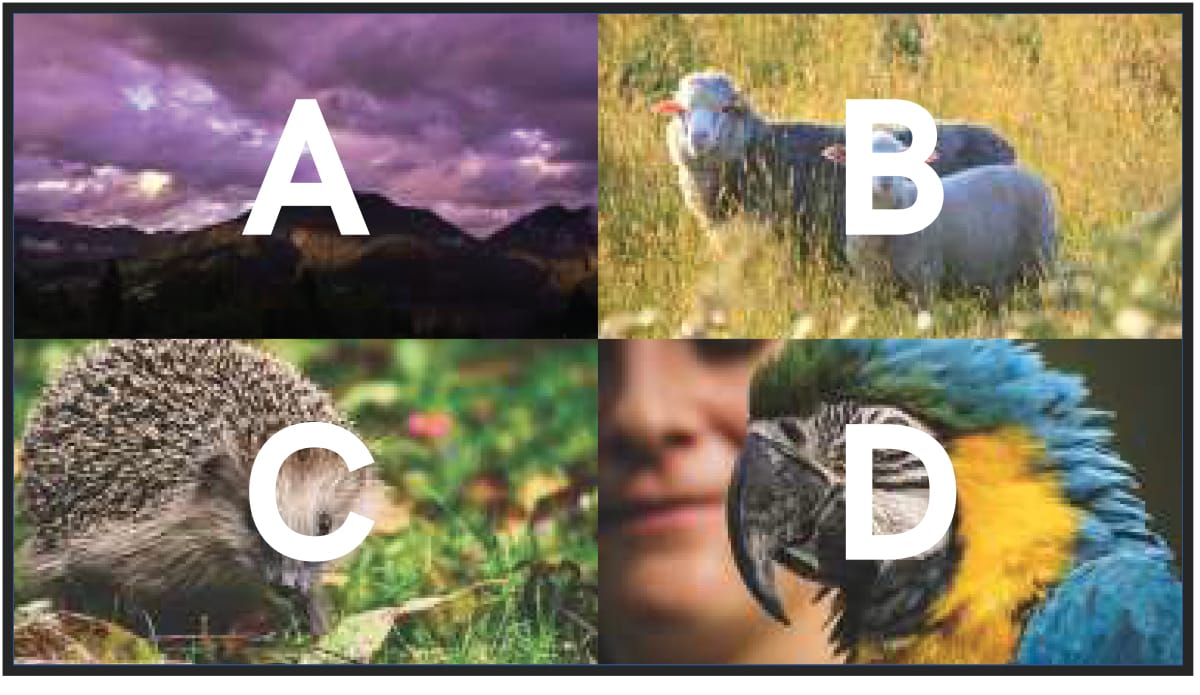
Create scalable video walls, dvLED walls and multi-window displays with flexible layouts. Display multiple sources simultaneously in custom configurations without reliance on PCs or media servers.
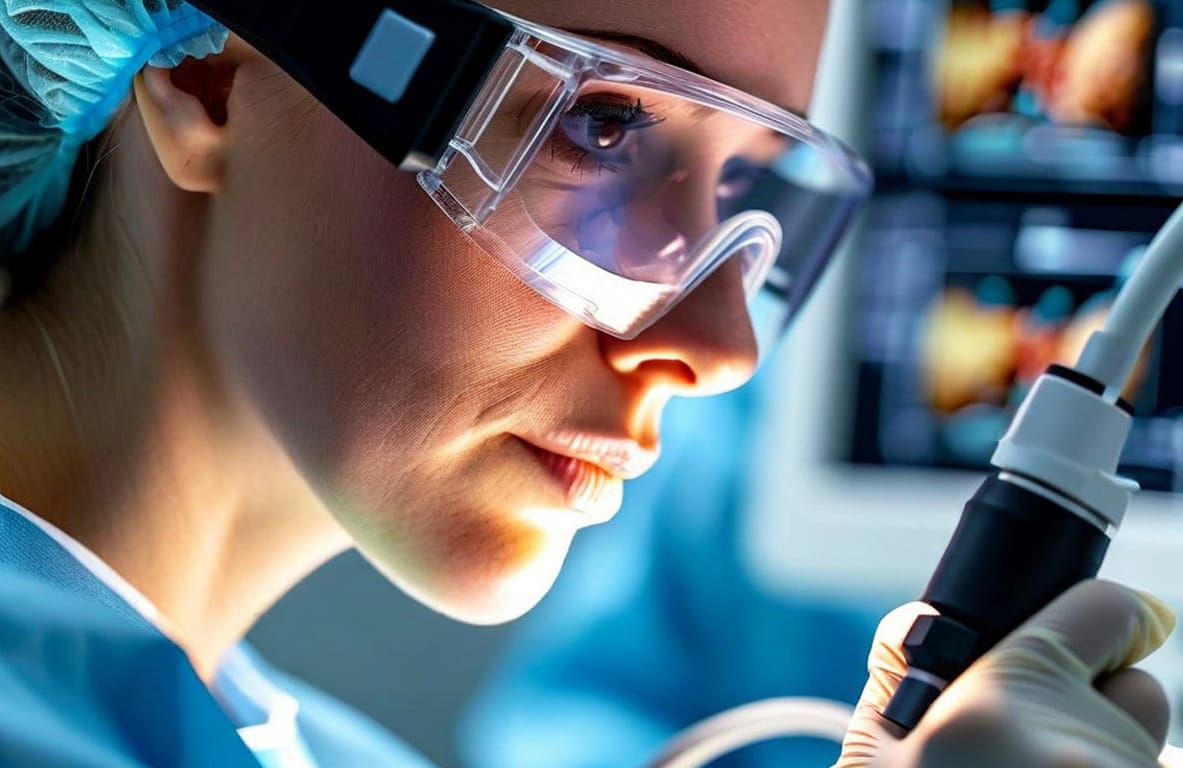
Almost zero, imperceptible latency
Near-zero latency as standard, suitable for shared spaces, immersive environments, education, medical training/surgery, simulation, gaming and any installation where reliability and response time are needed/critical.
2D and 3D support
Native support for all 2D and stereoscopic 3D formats, including passive and active 3D, without complex software stacks or format workarounds.
Hardware-only reliability
No operating system, no drivers and no software updates. GeoBox operates as a dedicated hardware processor, designed for continuous use and long-term stability.
Scalable, modular product range
Multiple GeoBox models are available to suit different system sizes and performance requirements, from simple single-display processing through to complex immersive and multi-channel systems.

Supplied and supported by Visual Displays
GeoBox is a professional hardware-based video processor designed to be straightforward to specify and deploy.
For common applications such as warping and blending, BYOD switching, large-format displays and non-standard resolutions, GeoBox works straight out of the box, delivering predictable behaviour with almost zero, imperceptible latency as standard.

Choose your next step
New to GeoBox or immersive displays?
Download the GeoBox Sales Guide to understand why stability matters and how GeoBox fits into modern display architectures.

Talk to us…
If you’re planning an immersive, 3D, projection or large-format display system and want it to stay right over time, we’d be happy to discuss where GeoBox fits.

GeoBox Frequently Asked Questions
- What is the best way to convert any video stream into any display format?
- How can I manage multiple input sources and output them to any display?
- What is the most reliable solution for warping and blending in multi-projector setups?
- How can I create a multi-screen video wall?
- What is the best way to display multiple video sources on one large screen?
- What solution allows projection onto including curved screens and irregular surfaces?
- How can I ensure my AV setup is futureproof and supports high resolutions?
- Is a hardware-based video processor better than a software-based solution?
1. What is the best way to convert any video stream into any display format?
The most reliable way to convert any video stream into any display format is through a hardware-based video processor like GeoBox. Unlike software-based solutions that require content rendering on a PC, GeoBox processes video in real time, eliminating software glitches, latency, and downtime. It seamlessly scales and converts any input—Mac, PC, media players, or other sources—into the correct output format, making it an ideal future-proof solution for all AV applications.
2. How can I manage multiple input sources and output them to any display?
A multi-format video processor like GeoBox allows you to connect multiple input sources and instantly output them to any display. With plug-and-play functionality, GeoBox automatically adjusts aspect ratios, scales content, and ensures the correct format for projectors, LED walls, or any screen. This makes it perfect for corporate presentations, live events, and digital signage, where fast setup and seamless transitions between inputs are critical.
3. What is the most reliable solution for warping and blending in multi-projector setups?
For seamless projection across multiple projectors, GeoBox provides a hardware-based warping and blending solution that is more reliable than software alternatives. GeoBox ensures precise image alignment and smooth edge blending, enabling perfectly merged visuals on curved or irregular surfaces. Unlike software solutions that require high processing power and can introduce lag, GeoBox operates independently with zero latency, making it the ideal choice for immersive displays, simulation environments, and museum exhibits.
4. How can I create a multi-screen video wall?
GeoBox video wall controllers provide a powerful yet simple way to create scalable, high-resolution video walls. Supporting multiple input sources, GeoBox enables flexible screen configurations, ensuring seamless synchronisation and high-quality visuals. Whether you’re setting up a control room, live event, or large-scale digital signage, GeoBox makes it easy to split, scale, and align video content across multiple displays—without needing additional software or extensive setup.
5. What is the best way to display multiple video sources on one large screen?
GeoBox Multi-View Display solutions allow you to display up to four video sources simultaneously on a single screen, with flexible, editable window layouts. With pre-set scalable multi-window formats, you can customise the size and position of each window in real time, making it ideal for control rooms, corporate presentations, and command centres where real-time monitoring of multiple sources is required. GeoBox eliminates the need for expensive, complex software-based multi-view solutions by offering a reliable hardware alternative.
6. What solution allows projection onto including curved screens and irregular surfaces?
GeoBox projection mapping processors enable you to project onto any surface, including curved walls, domes, and irregular structures. With real-time image warping and blending, GeoBox automatically corrects distortions, ensuring a perfectly aligned projection. Unlike software solutions that require pre-rendering, GeoBox processes the adjustments instantly, making it the best choice for theatres, immersive exhibitions, and simulation environments where precision is critical.
7. How can I ensure my AV setup is futureproof and supports high resolutions?
Using a high-resolution video processor like GeoBox ensures your AV setup is ready for 4K, 8K, and beyond. GeoBox scales and converts content automatically to match the latest display standards, meaning you don’t have to upgrade or reformat content manually. Since GeoBox operates as a hardware solution, it remains stable and unaffected by software updates or compatibility issues, ensuring long-term reliability.
8. Is a hardware-based video processor better than a software-based solution?
For professional AV applications, a hardware-based video processor like GeoBox is a more reliable, efficient, and stable solution than software-based alternatives. Unlike software solutions that rely on a PC’s processing power—leading to potential latency, crashes, and compatibility issues—GeoBox operates independently, ensuring seamless and uninterrupted performance.
Key advantages of GeoBox over software-based solutions:
✔ No Software Glitches or Latency – GeoBox processes video in real time with zero lag.
✔ Continuous Operation – No risk of system crashes or the need for constant updates.
✔ Plug-and-Play Simplicity – Instantly scale, blend, or adjust content without complex software configurations.
✔ Dedicated Performance – GeoBox doesn’t require a high-spec PC to function, making it a cost-effective long-term solution.
For live events, immersive displays, control rooms, and digital signage, GeoBox delivers professional-grade processing without the risks associated with software-based alternatives.